How to set a Range for Numerical value or Date conditions in the Conditions tab of processes
Answer
Please set "Range" in the "Numerical Value Filter Mode Selection" and "Date Filter Mode Selection".
Overview
When specifying filter conditions in "View", "Process", "Control by Status", etc., by default, the selection of numerical value column and date column are specified as options like "0-", "1000-", "Today", or "FY2024".

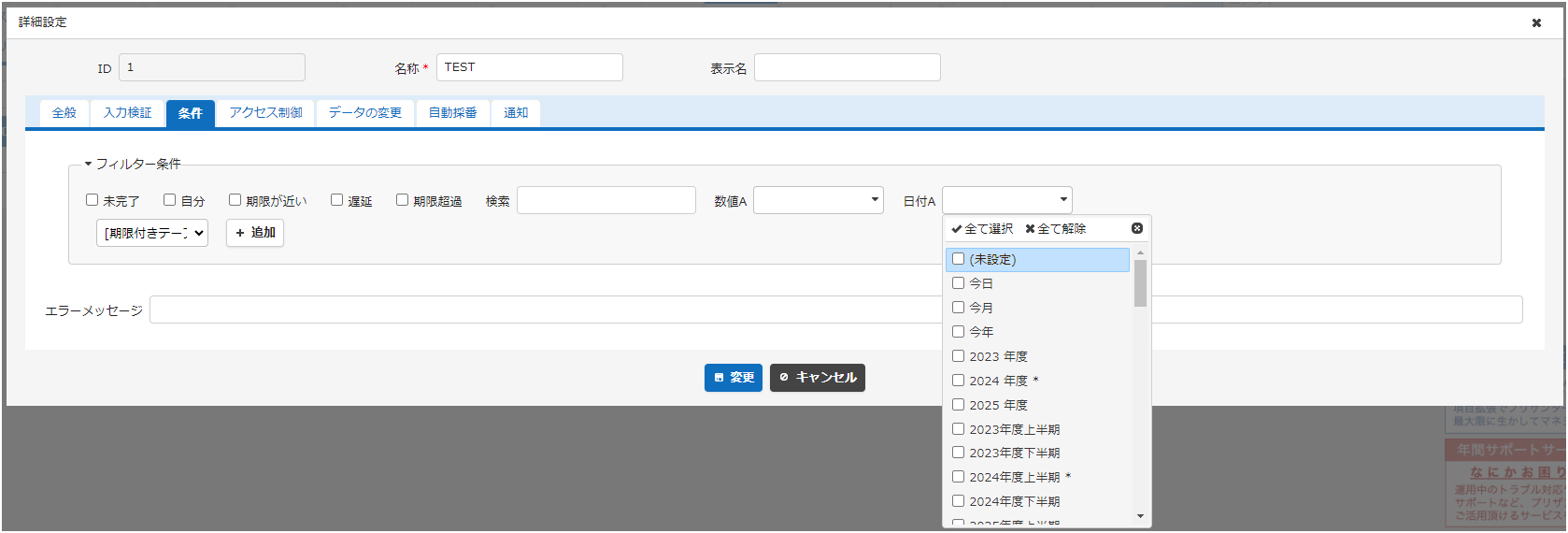
To specify a range like "100400" or "2024/5/152024/5/25," set "Range" in the "Mode Selection" of the corresponding numerical value column or date column in the "Filter" tab under "Manage Table". Please refer to the following manual pages for the setup instructions.
Manage Table: Filter: Numeric Value Column Filter Mode Selection
Manage Table: Filter: Date Column Filter Mode Selection
After Setting "Mode Selection" to "Range"

