Create an API Key
Overview
This section explains how to issue an "API Key" to use the "API". To use the "API" from an external program, an "API Key" must be issued for each user. If you access the API from a logged-in browser session, you can use it without specifying an "API Key".
Cautions
- If the "API Key" is leaked, it may be possible to access it from an external program. Please keep the "API Key" securely and do not let others know.
Operation Procedure
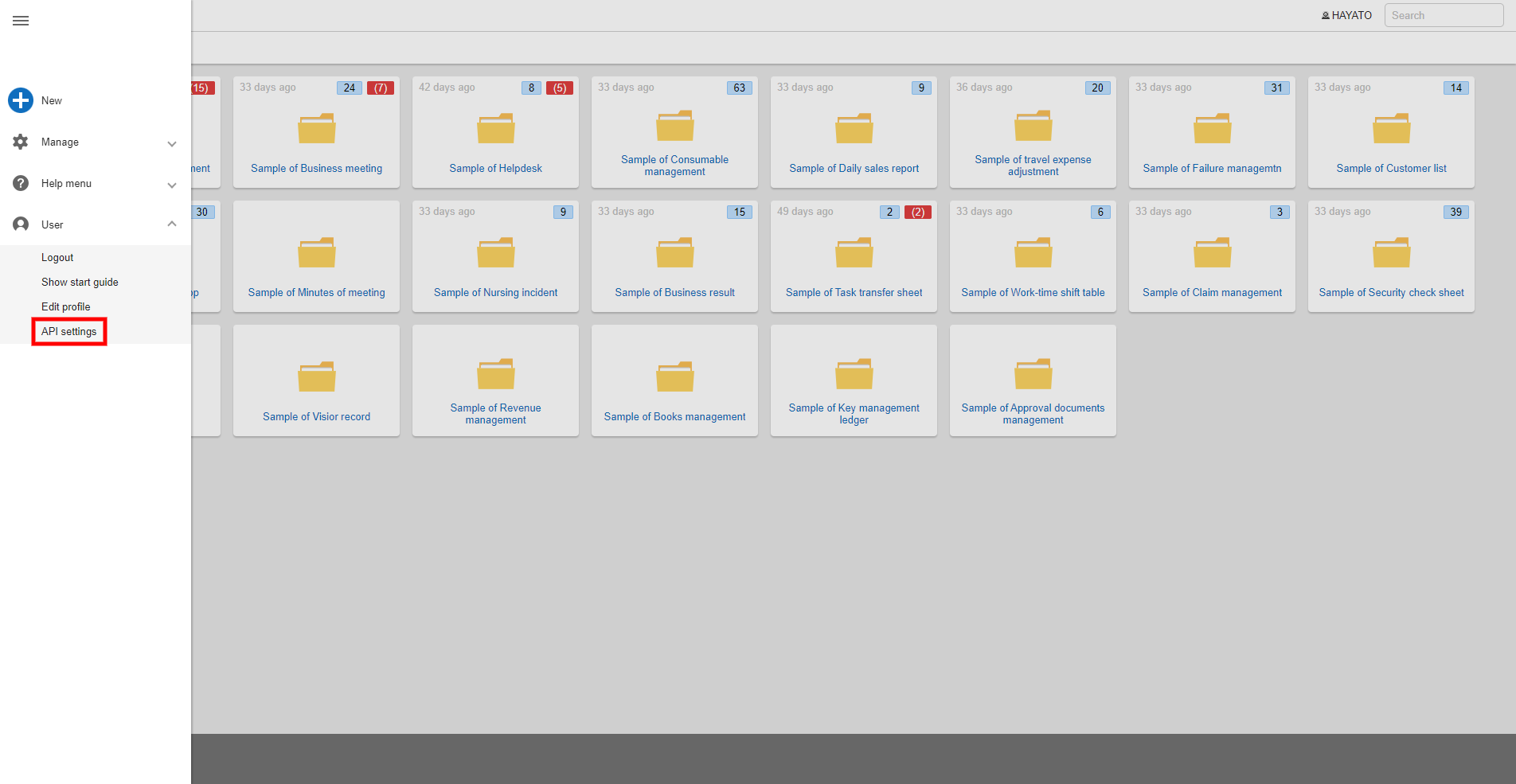
- Click on "User" - "API Settings" from the navigation menu.
- Click the "Create" button.
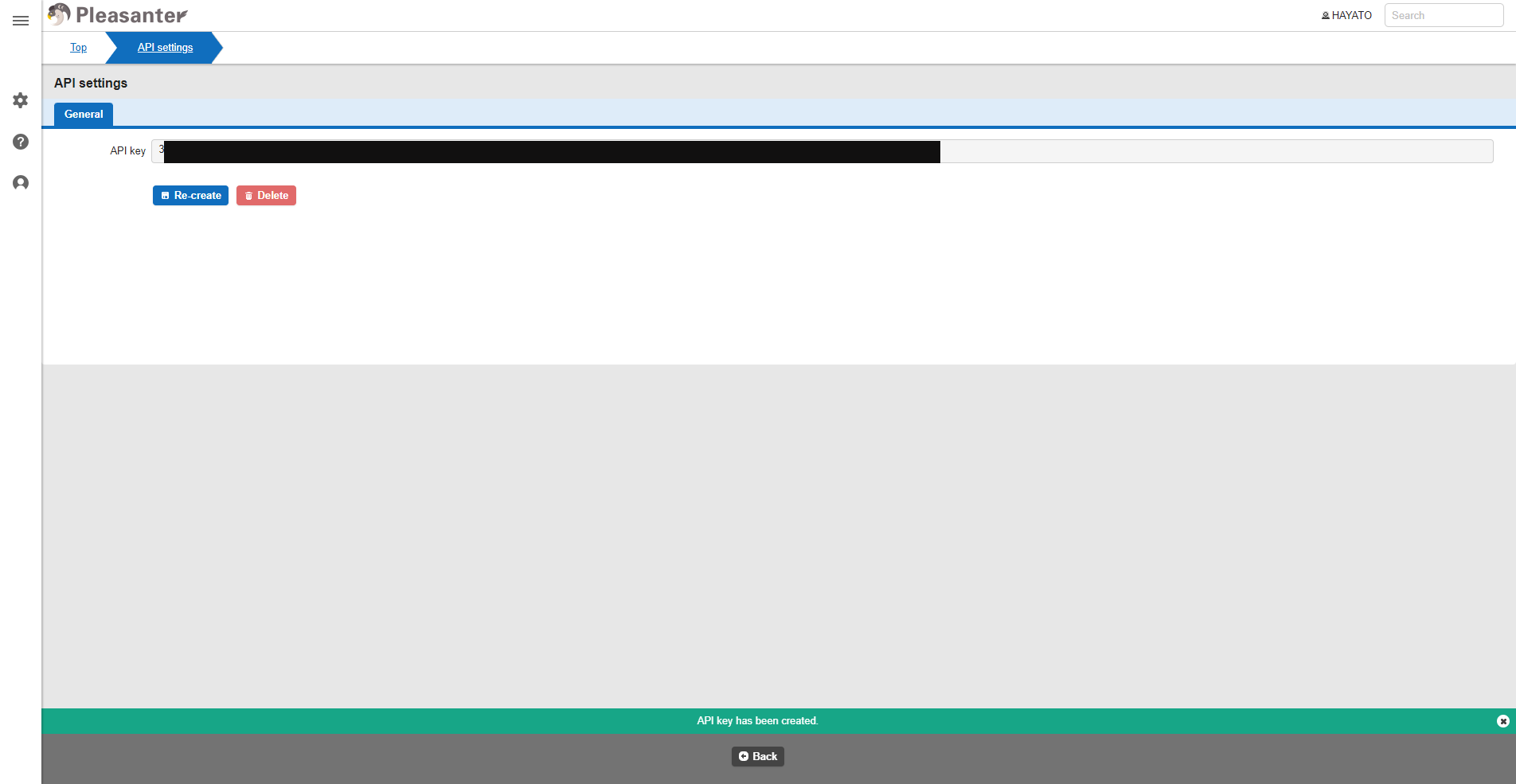
- The string displayed in "API Key" is your API key.