Group Management Function: Change history
Overview
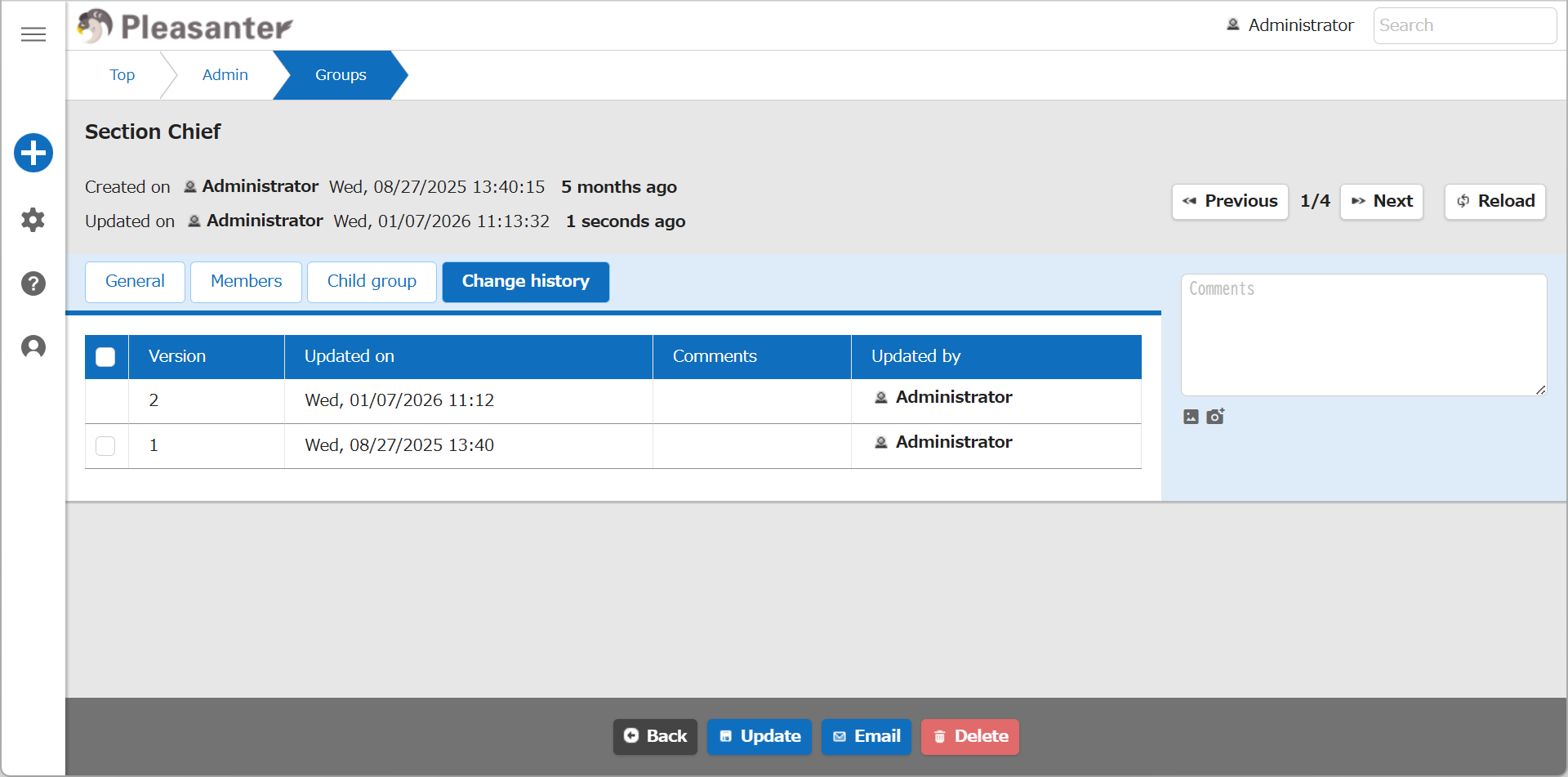
In the "Change history" tab of the "Manage Group" screen, you can check the history of the "Group name" and "Body" fields.
Limitations
- The information on the "Members" tab, which shows which members or organizations belong to a group, is not managed as history.
Prerequisites
- The user performing this operation must have "Tenant manager" privileges enabled.
Operation Procedure
- Click "Manage" in the navigation menu.
- Click "Group administration".
- Click the "Change history" tab.