Allow Reference Copy
Overview
Allow "Reference Copy" of records. Set this to on if you want to allow "Reference Copy". If "Reference Copy" is not allowed, the reference copy button in the "Editor" will be hidden. When you perform a reference copy, the data is copied in the state before it was created, and you can create a record after changing the necessary information.
Prerequisites
- "Site Administration Permission" is required to configure settings.
Default Value
The default value is off. It can be changed by "AllowReferenceCopy" in "General.json".
Operation Procedure
- Open the target "Table".
- Click "Manage Table" from the "Manage" menu.
- Open the "Editor" tab.
- Check or uncheck the "Allow Reference Copy" checkbox at the bottom of the screen.
- Click the "Update" button at the bottom of the screen.
Operation Image
When a reference copy is allowed, the reference copy button will be displayed.
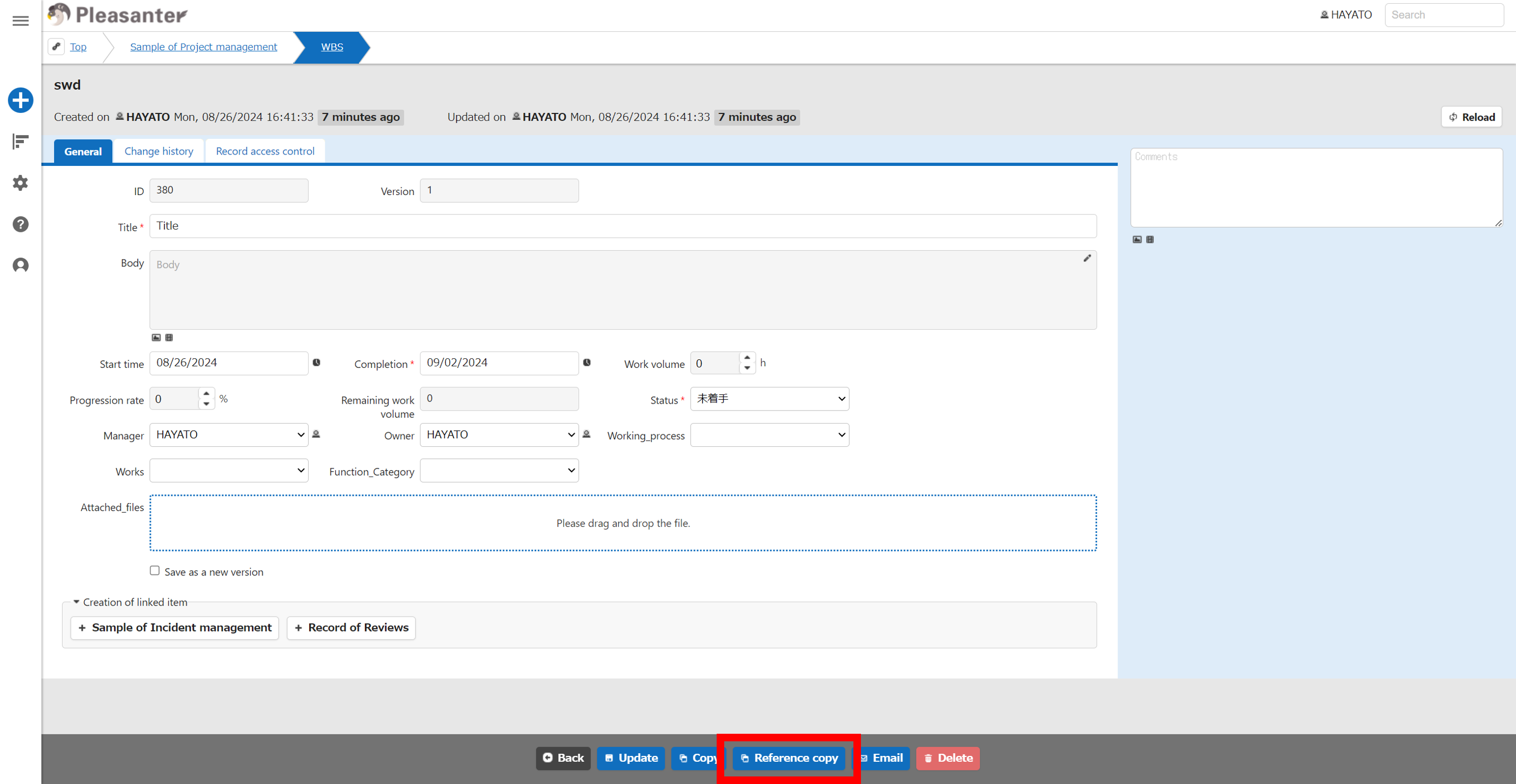
When you perform a reference copy, you will be taken to the new creation screen. At this point, no record is created.
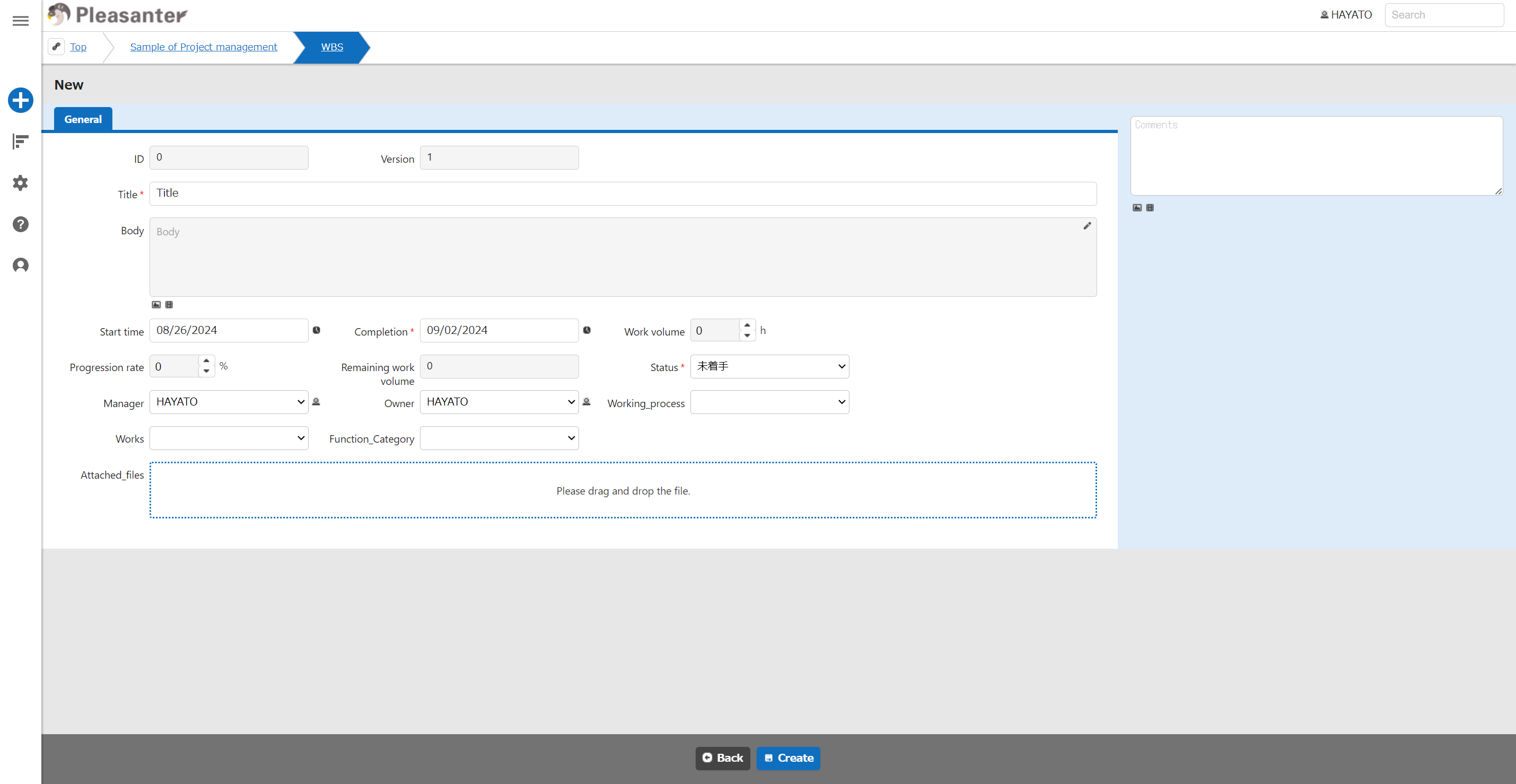
Enter the required information and create a record.