Gantt Chart
Overview
On the "Gantt chart" tab of the "Manage table" screen, you can enable or disable the Gantt chart view. You can also show or hide the progression rate on the Gantt chart.
Prerequisites
- This is not displayed to users who do not have "Site Administration Permission".
Operation Procedure
- Open the target table.
- Click "Admin" in the navigation menu.
-
Click "Manage table".
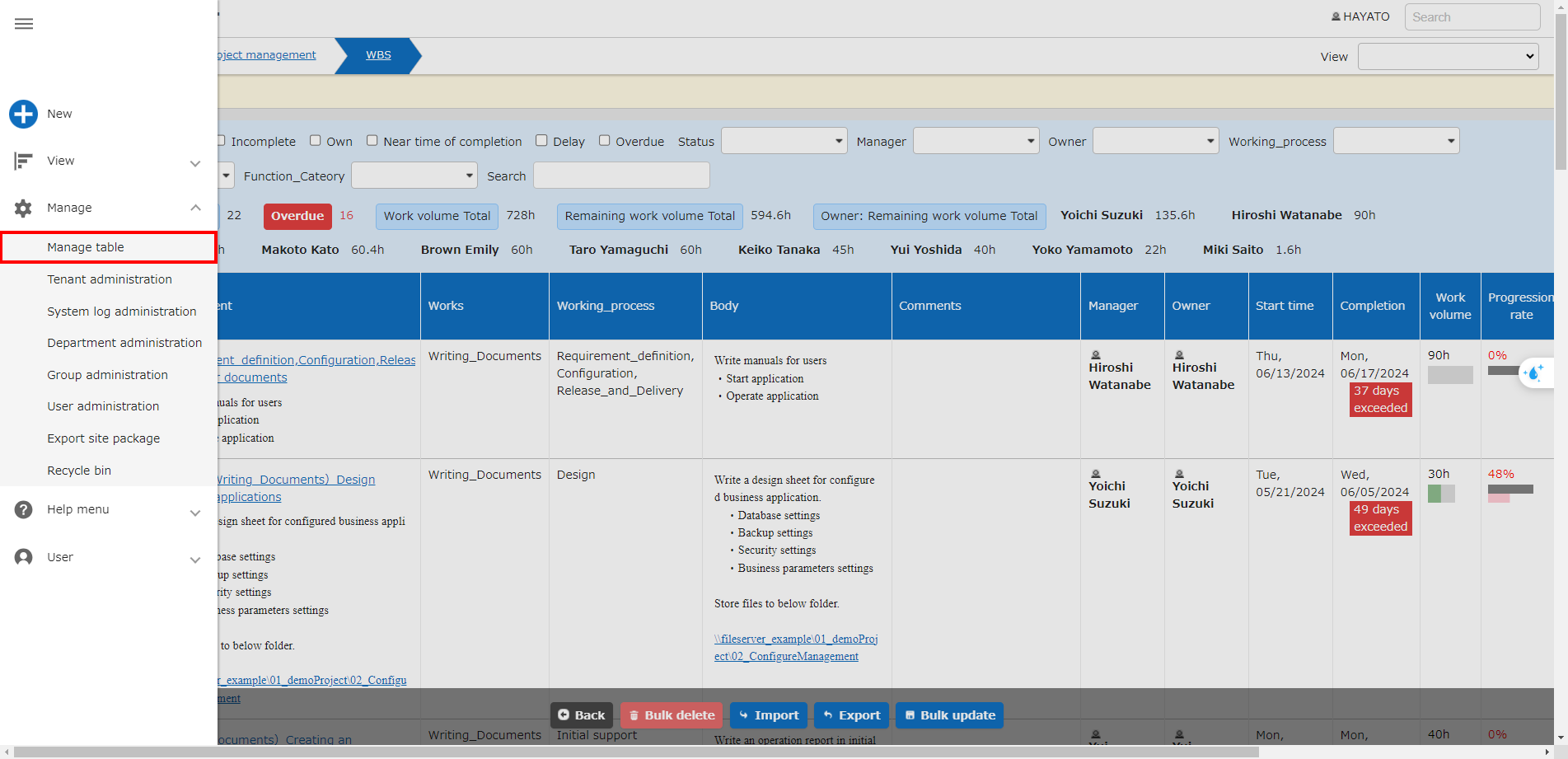
-
Click the "Gantt chart" tab.

The following settings are available.
Column name Description Setting method Enabled Set to enable/disable Gantt chart Check to enable Display progression rate Set to display/hide progression rate Check to display -
Click the "Update" button in the command button area.