Extract Records with SQL
Overview
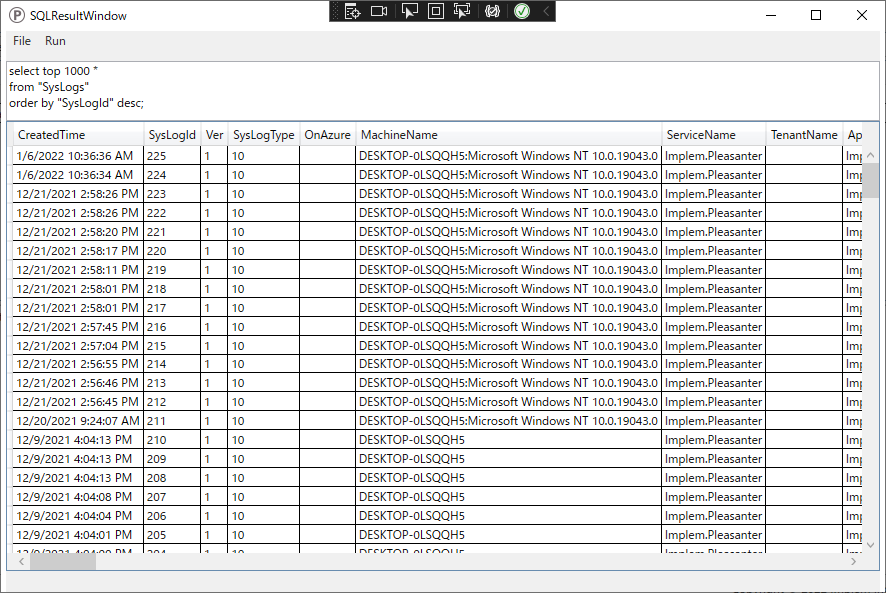
Execute any SQL statement to extract records from the database. The extracted records are displayed in the SQLResult window.
-
Select the SQL file containing the SQL statement and execute it.
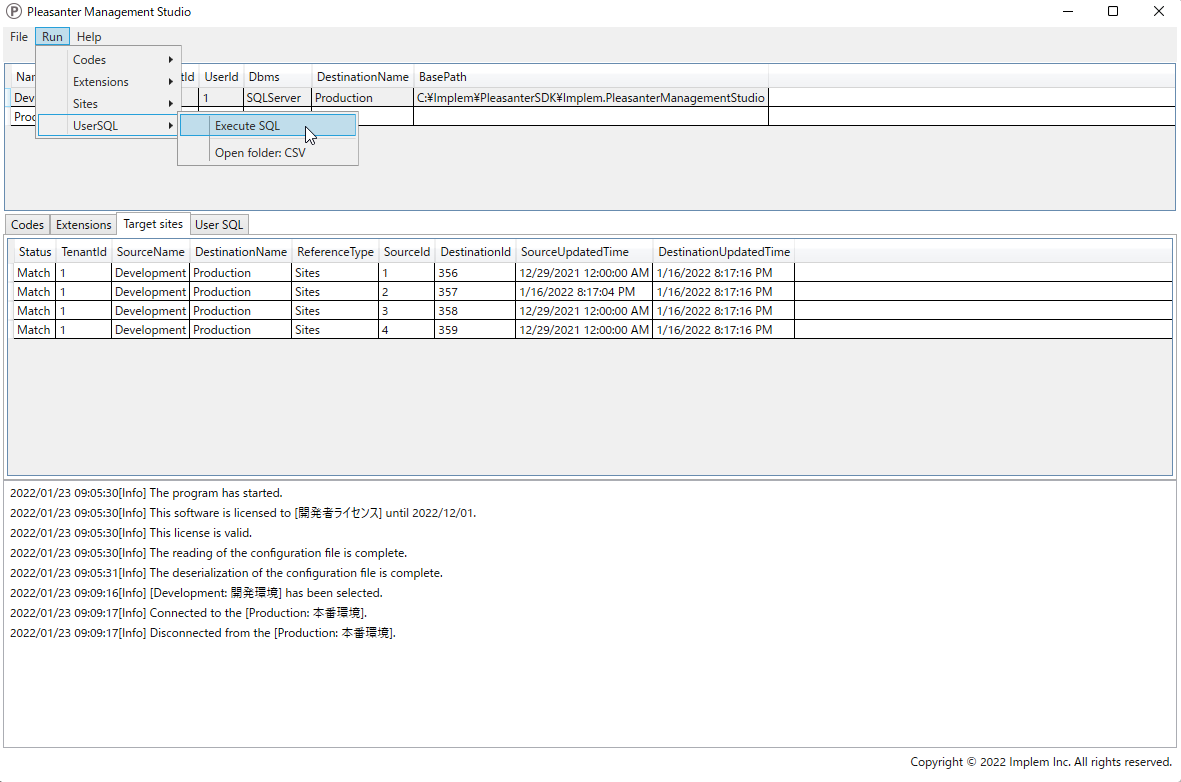
-
A list of extracted records is displayed in the SQLResult window.
Operation Procedure
- Open "Settings.json" in Editor.
- Add the environment containing the SQL file to be executed to Environments. Set the Name / Title / Dbms / ConnectionString.
- Set the path to the UserSQL file to be executed in UserSqls. Enter a description of the SQL in Description.
- Launch Implem.PleasanterManagementStudio.exe.
- Click to select the target environment from the list of environments.
- Click the [UserSQL] tab and select the path of any displayed UserSQL file.
- From the menu at the top of the screen, click [Run] > [UserSQL] > [Execute SQL]. You can also execute the command by double-clicking the path of the UserSQL file.
- Check the confirmation items in the dialog box and click "Yes".
- The record extraction results will be displayed.