Export the Extracted Records in CSV Format
Overview
The results extracted using the "Extract records with SQL" function can be re-executed and exported in CSV format.
-
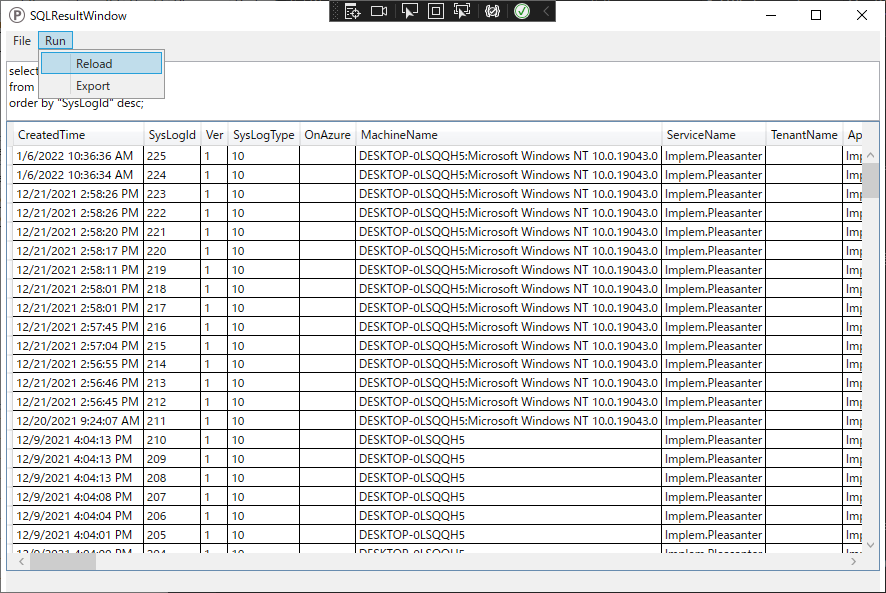
You can re-execute SQL from the SQLResult screen menu.
-
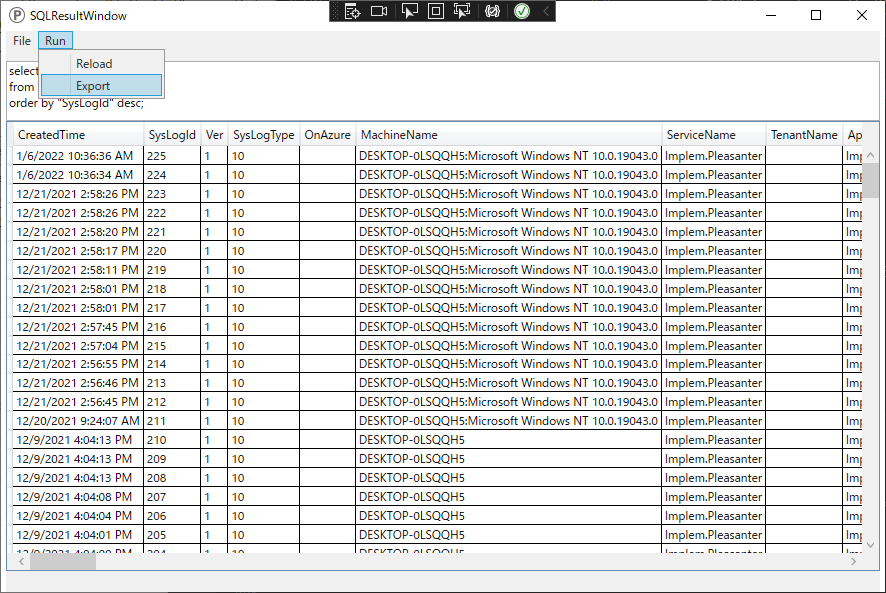
You can export a list of extracted records as a CSV file.
Operation Procedure
- From the SQLResult screen menu, select [Run]-[Export].
- Check the confirmation items in the dialog box and click "Yes".
- When the CSV output completion dialog box appears, click "Yes".
- Click [File] - [Open log folder] from the menu at the top of the screen to open the log folder.
- Check the extracted results in the CSV file in the [SQLResultCSVFile] folder.