Export
Overview
Each screen supports export in PDF or CSV format.
-
Click the export button at the bottom of the screen, then choose "PDF" or "CSV" in the dialog shown in the center of the screen.
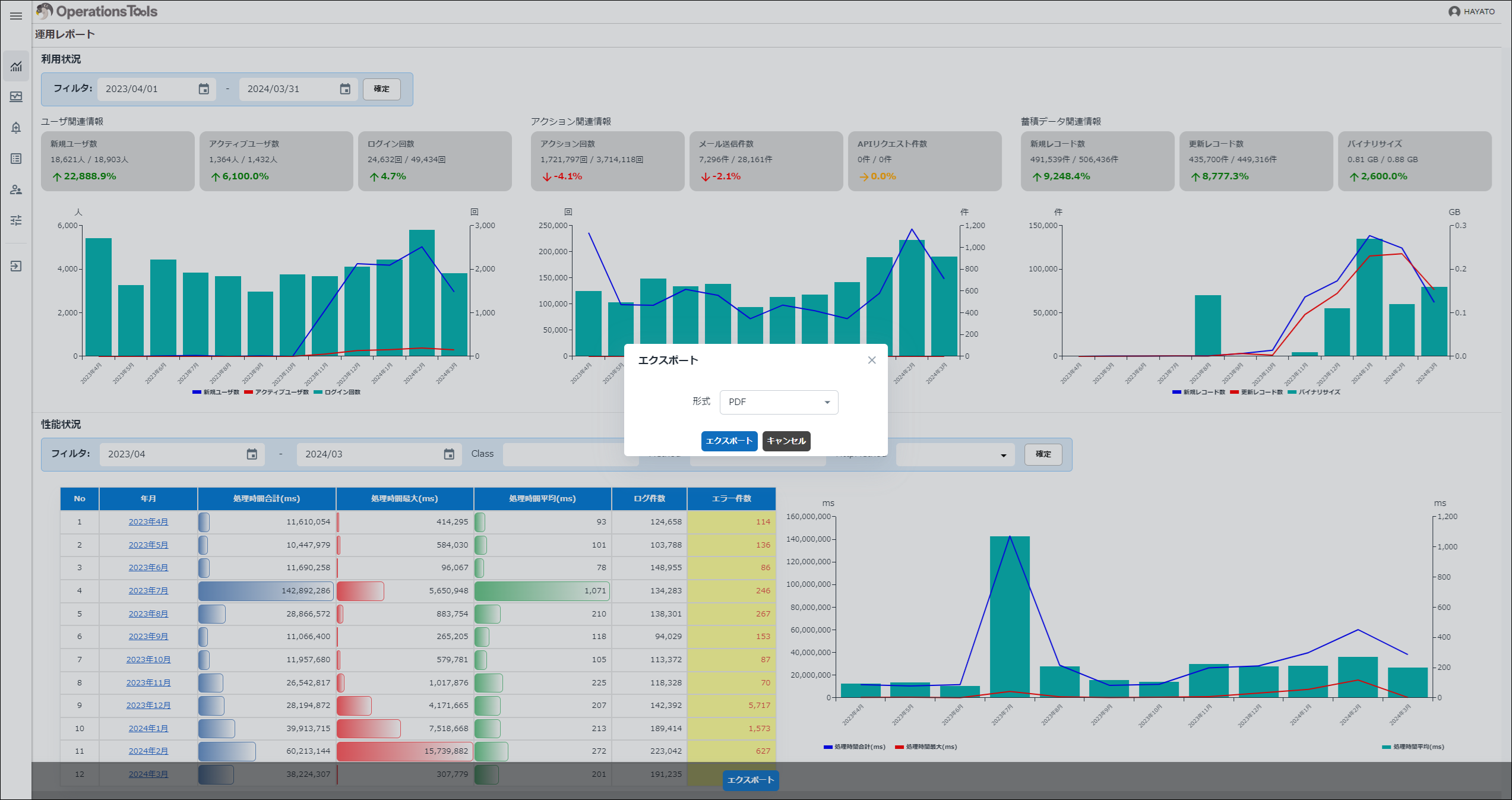
-
Confirm that the file has been output.
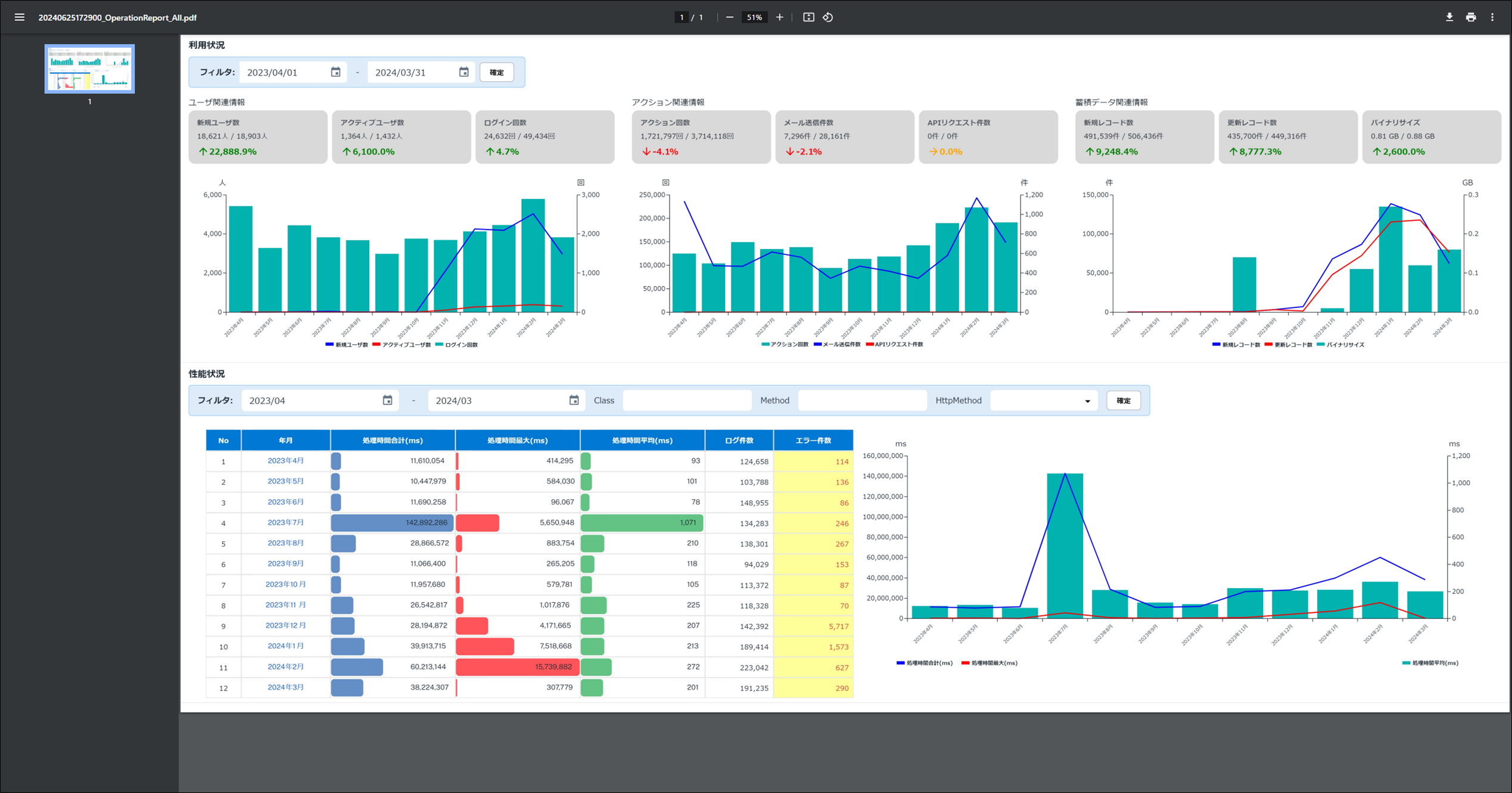
Each screen supports export in PDF or CSV format.
Click the export button at the bottom of the screen, then choose "PDF" or "CSV" in the dialog shown in the center of the screen.
Confirm that the file has been output.