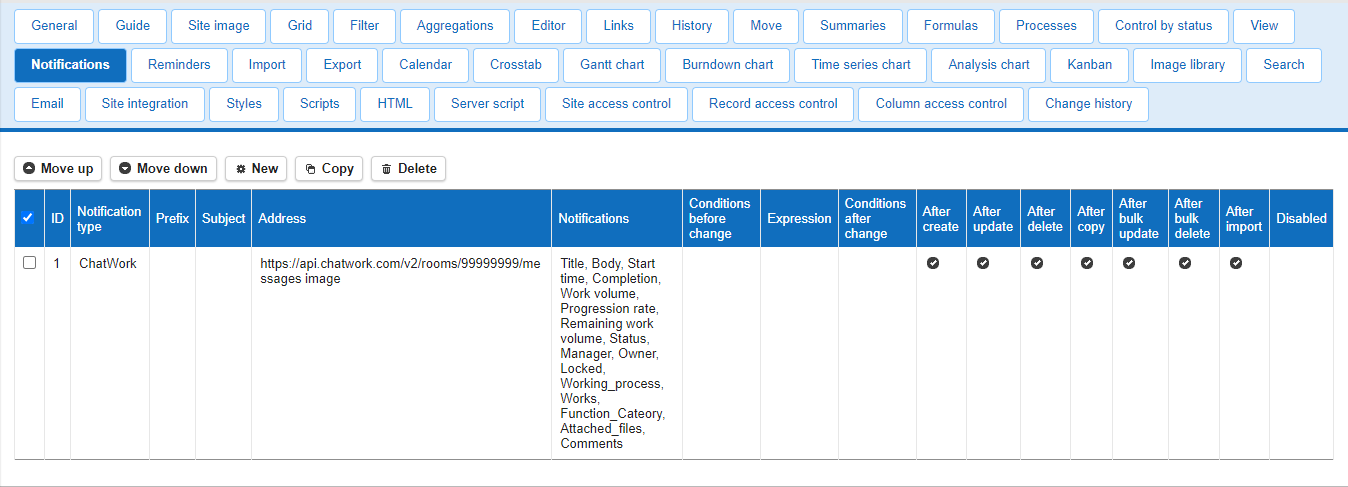
Set Up to Send Notifications to Chatwork
Prerequisites
Register as a user of Chatwork.
https://go.chatwork.com/en/
Get room ID and API token
Log in to chatwork.
https://go.chatwork.com/en/
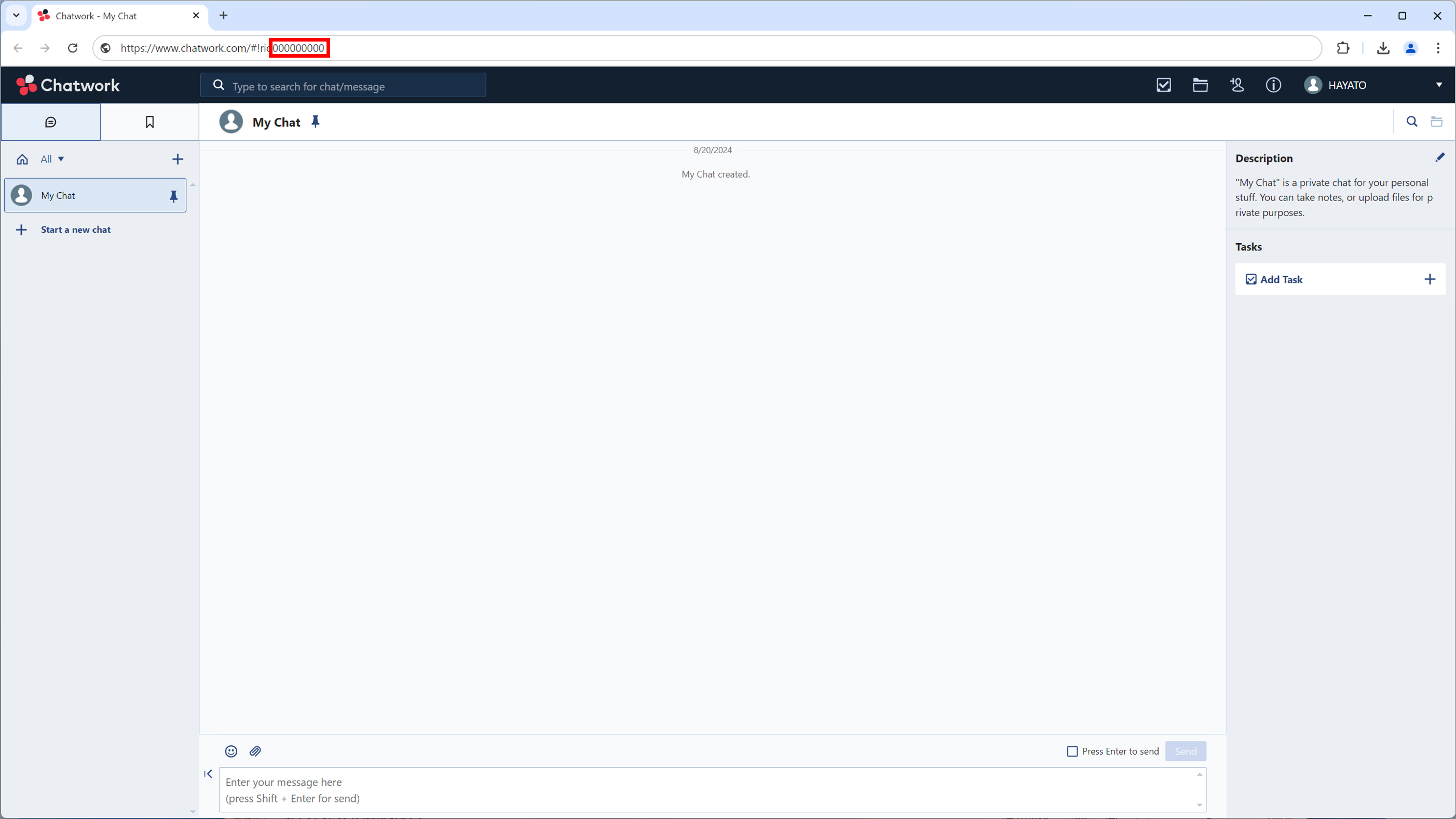
Get room ID
- Note the number to the right of #!rid in the URL. This number is the room ID.
Get API token
-
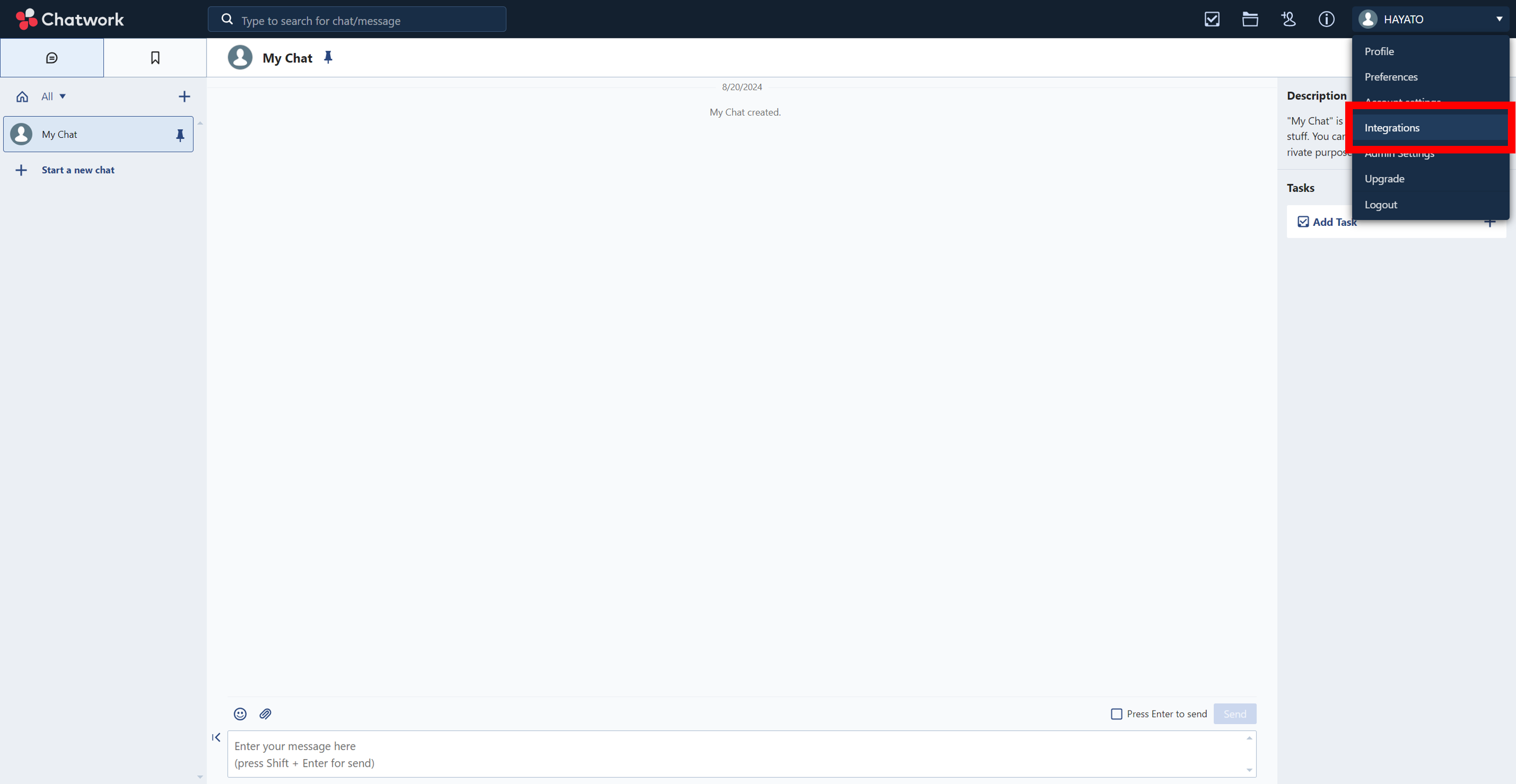
Click on your user name in the upper right corner of the screen to open preferences.
-
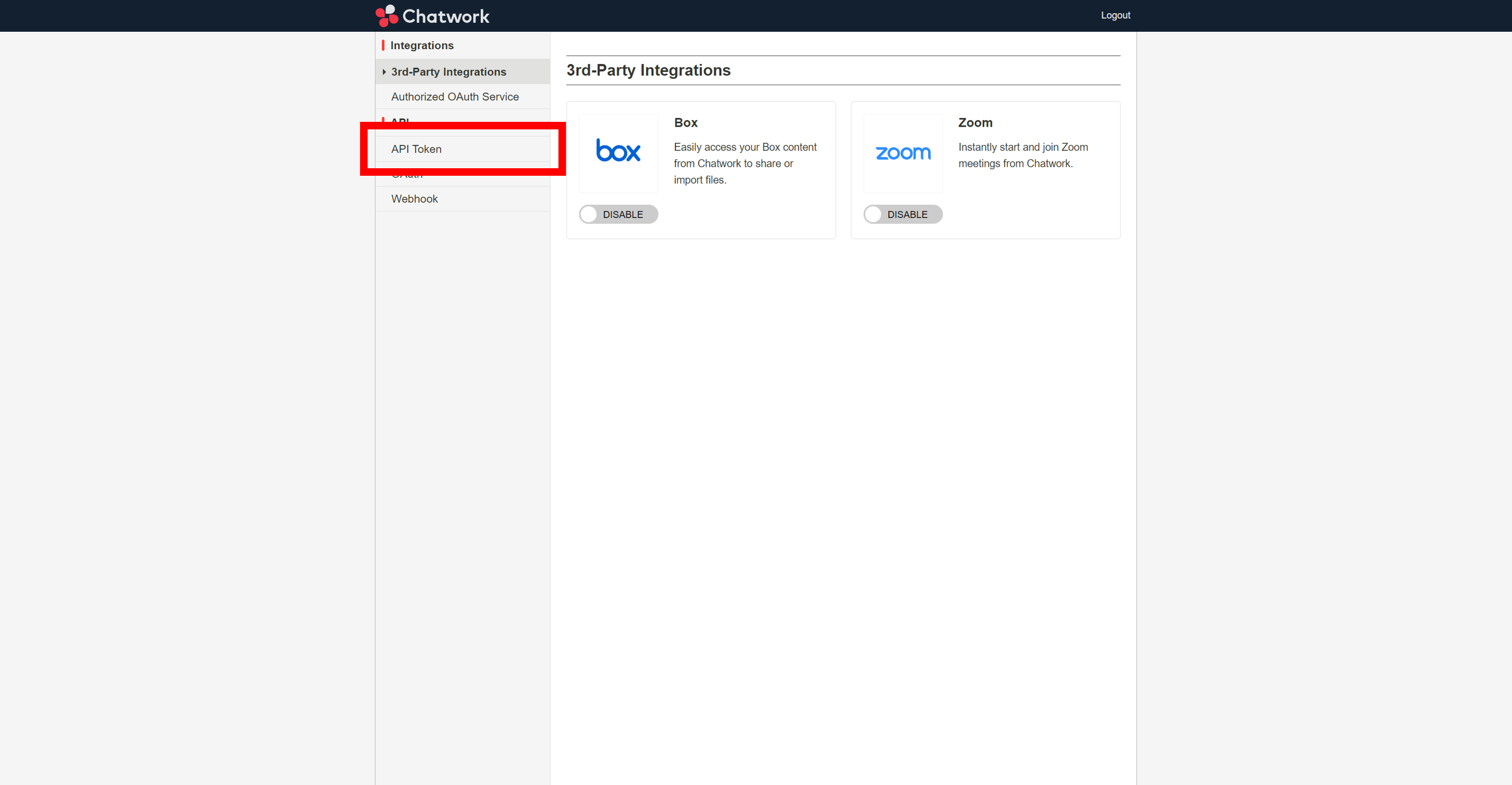
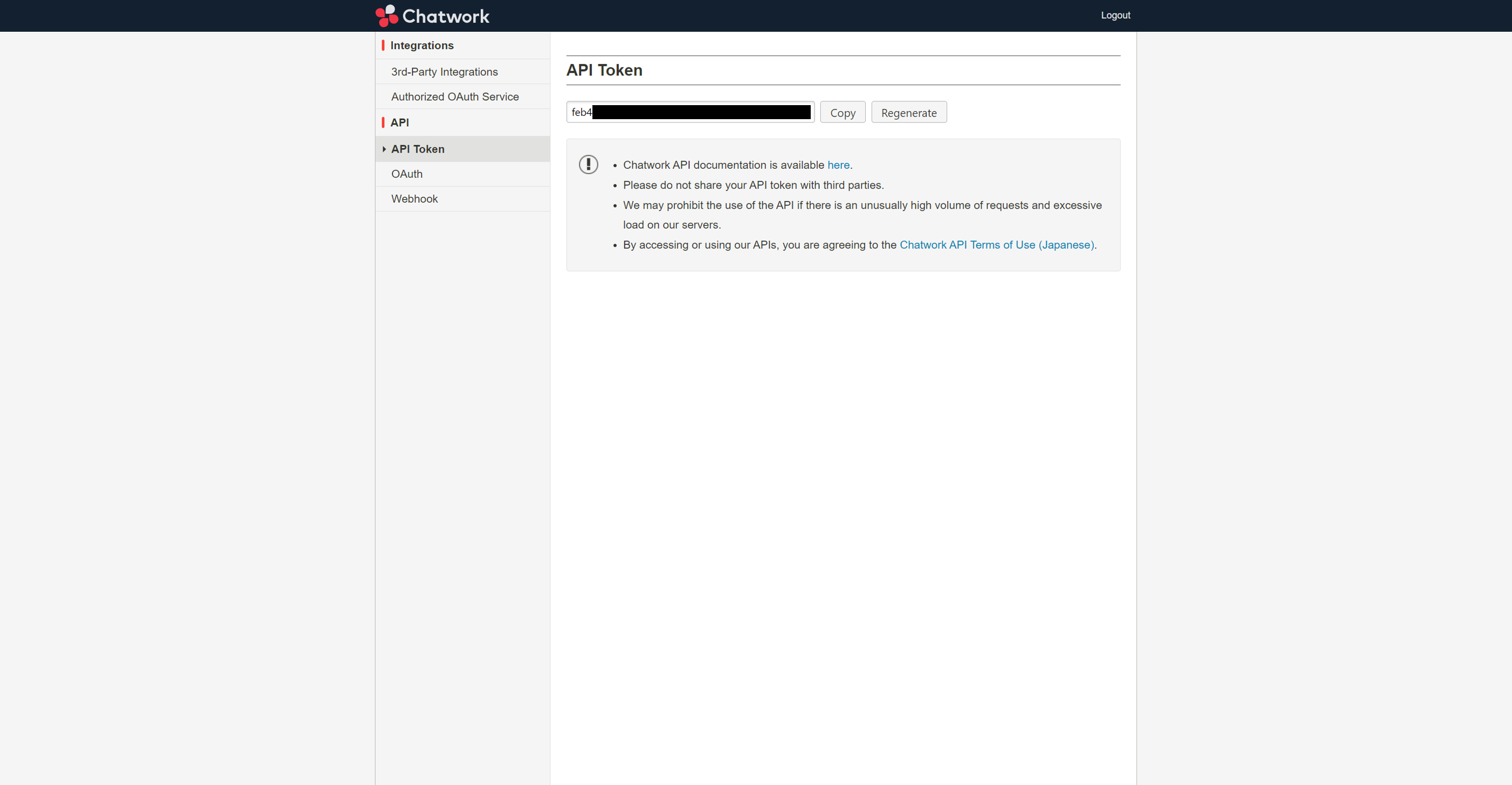
Click API Token on the left side of the screen to open API Token settings.
-
Note the API token displayed.
Pleasanter Setting
-
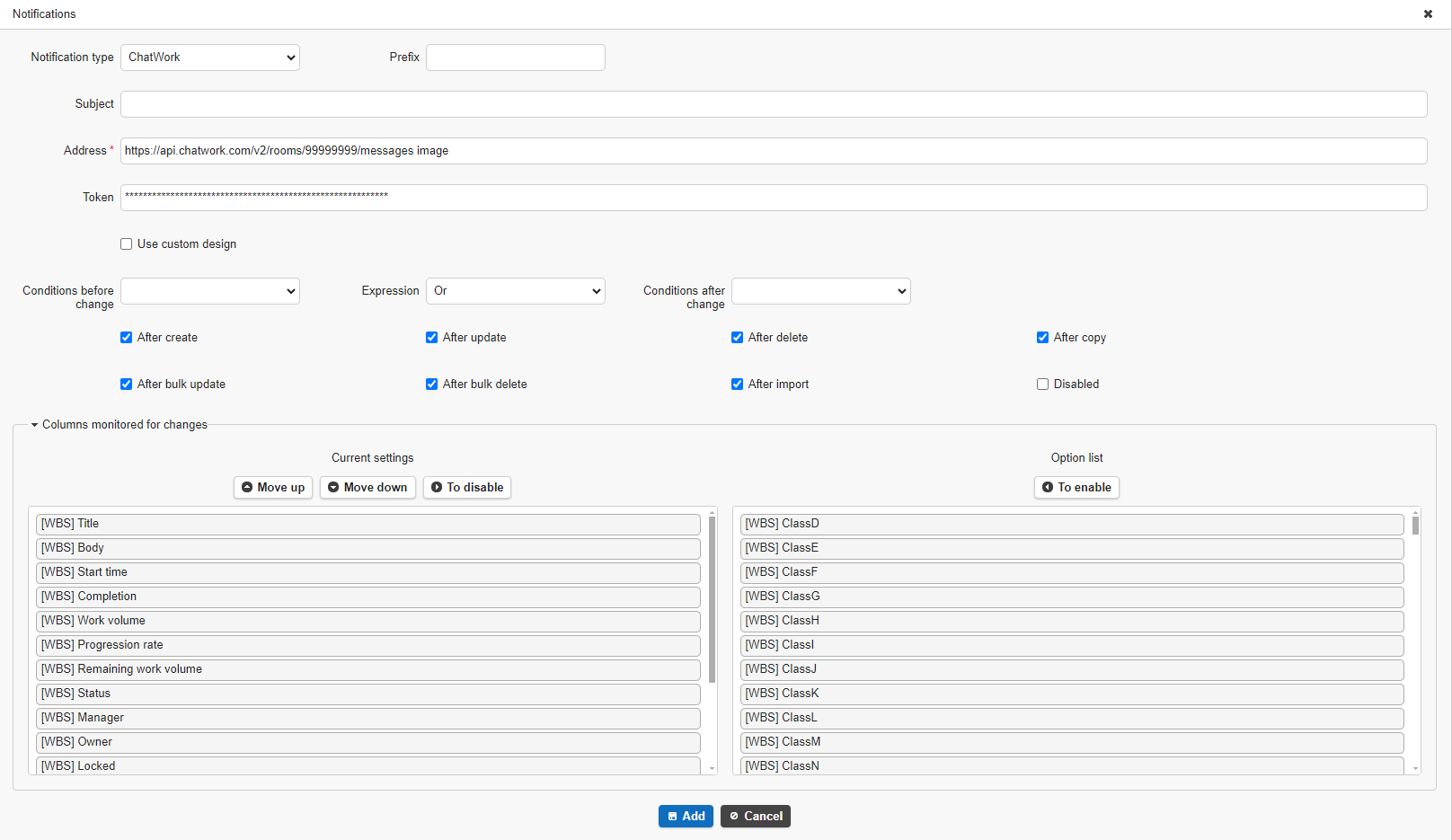
Select the table to set up notifications and open the "Manage Table" - "Notification" tab. Click the "Create New" button.

-
Select "Chatwork" in the Notification Types. Enter the following in the Address and Token fields and click the "Add" button.
- Address → https://api.chatwork.com/v2/rooms/{room ID}/messages
Replace the {room ID} portion with the room ID that you have been noting. - Token → Anticipated API Token
- Click the "Update" button. This completes this procedure.