Pre-configuration for uploading files larger than 100MB in IIS
To import files larger than 100MB, please follow the steps below. In addition to the following steps, you have to set up here.
Ver1.2.0 or higher
Specify the maximum size of the file to be imported using "MaxRequestBodySize" in "Service.json".
Ver0.50 or below
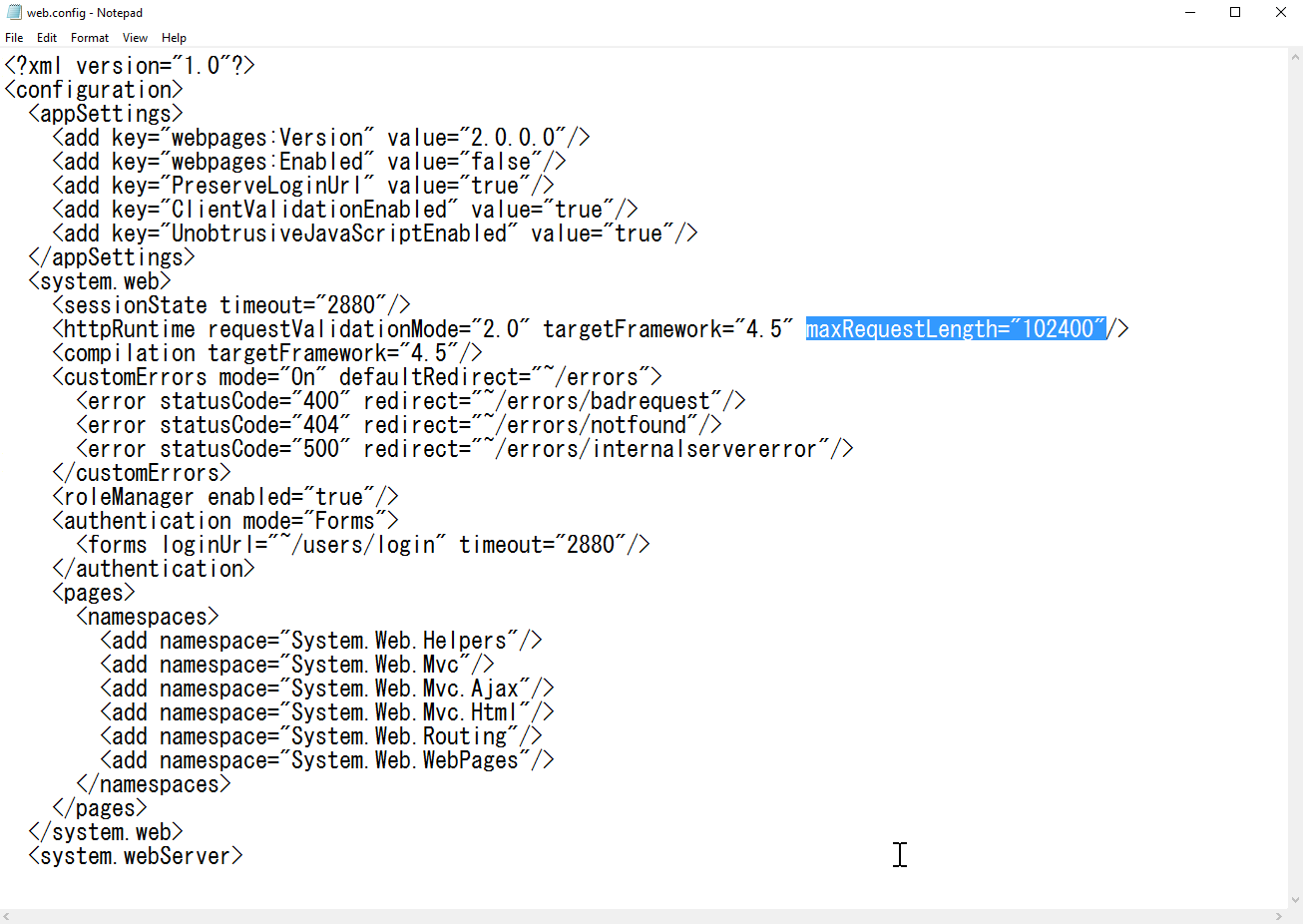
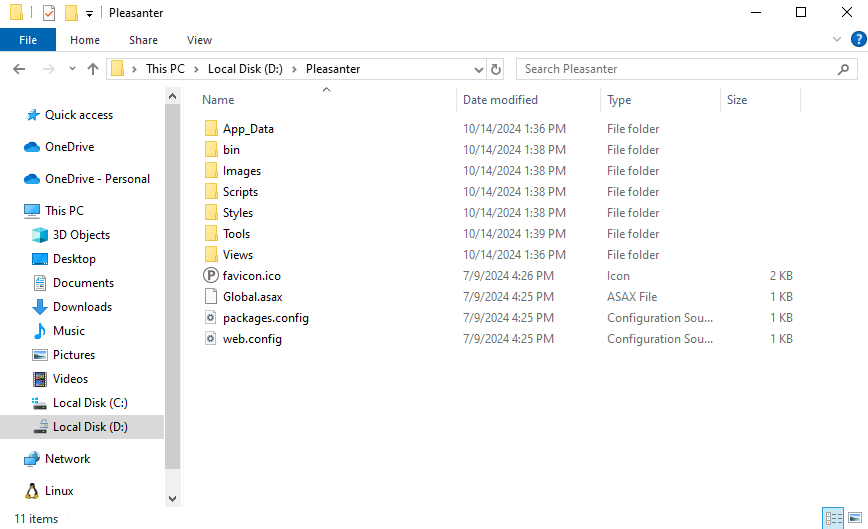
- Open "C:\web\Pleasanter\Implem.Pleasanter". Then use Notepad or similar to open the "Web.config" file.
- Enter the maximum size of the file to be imported in double quotation marks (maxRequestLength="") and save the file.