Dashboard Function: Add Parts: Calendar
Overview
Add a "Calendar" to the "Dashboard". Display records from the selected site by any criteria and sorting order.

Setting Procedure
General Tab

| Column name | Description |
|---|---|
| Title | The name of the part. |
| Display Title | Check this if you want to display the title. |
| Site ID | Enter the site ID, site name, and site group name you want to display, separated by commas. Only time-limited tables or recorded tables can be specified. If multiple sites are specified, the first site will be the "Base Site" and used as a selection column in the filter tab. |
| Calendar Type | Select the calendar type from "Standard" and "FullCalendar". |
| Classification | (Valid only when the calendar type is "Standard") Specify the "Classification" of the calendar. For details on the "Classification" of the calendar, refer to "Table Function: Calendar Display of Records". |
| Period | (Valid only when the calendar type is "Standard") Specify the "Period" of the calendar. For details on the "Period" of the calendar, refer to "Table Function: Calendar Display of Records". |
| Column | Specify the "Column" of the calendar. For details on the "Column" of the calendar, refer to "Table Function: Calendar Display of Records". |
| Do Not Load Asynchronously | If this checkbox is checked, asynchronous loading will not be performed regardless of the asynchronous loading setting. For details on the asynchronous loading setting, refer to "Dashboard Function: Add Parts". |
| CSS | Use this to apply CSS to timeline elements. By specifying a CSS class name, you can assign any class name to each column and apply a "Style". |
Filter Tab

Set the filter conditions for the records you want to output to the calendar. The option is the "Name Displayed" of the Base Site, but the selected column (ClassA, NumB, etc.) will filter the records of all tables set by the site ID.
Access Control Tab
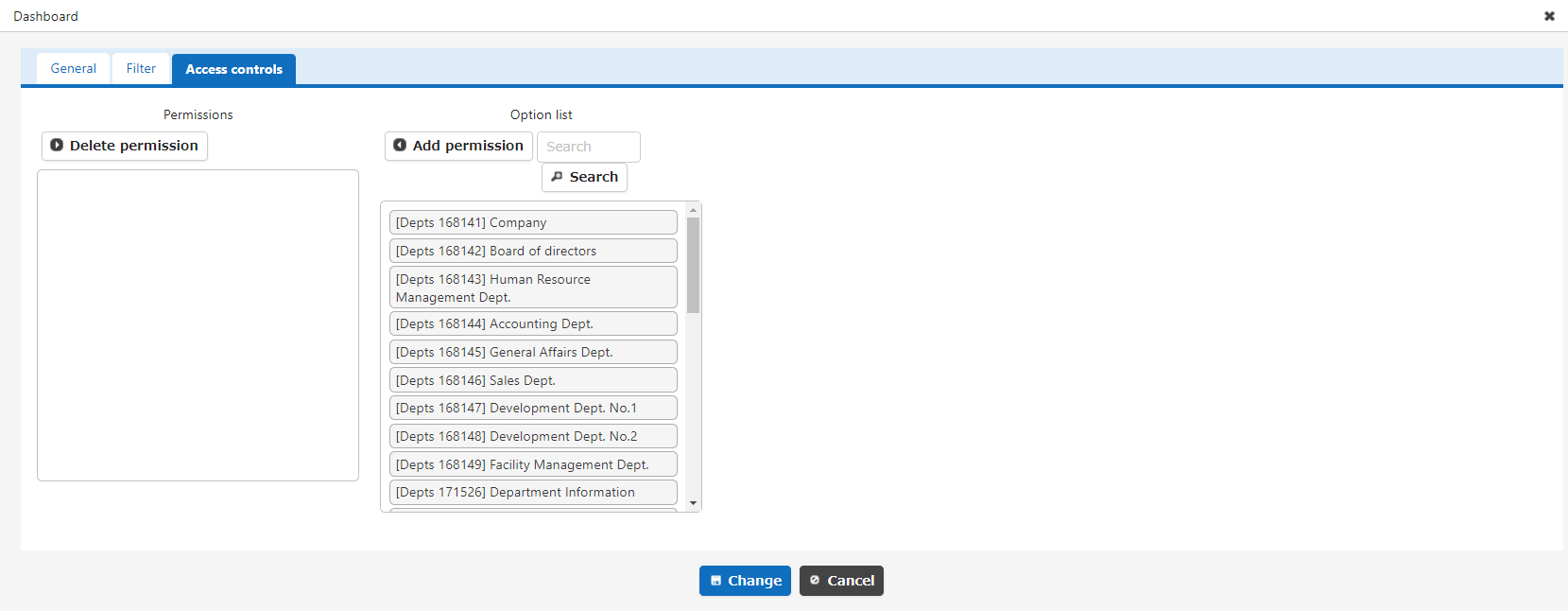
Set the reference permissions for quick access. This part will be hidden if a user without reference permissions opens the dashboard.