Dashboard Function: Add Parts: Custom
Overview
Add customizations to the "Dashboard". Can be used to display standard text such as usage guides.
Setting Procedure
General Tab
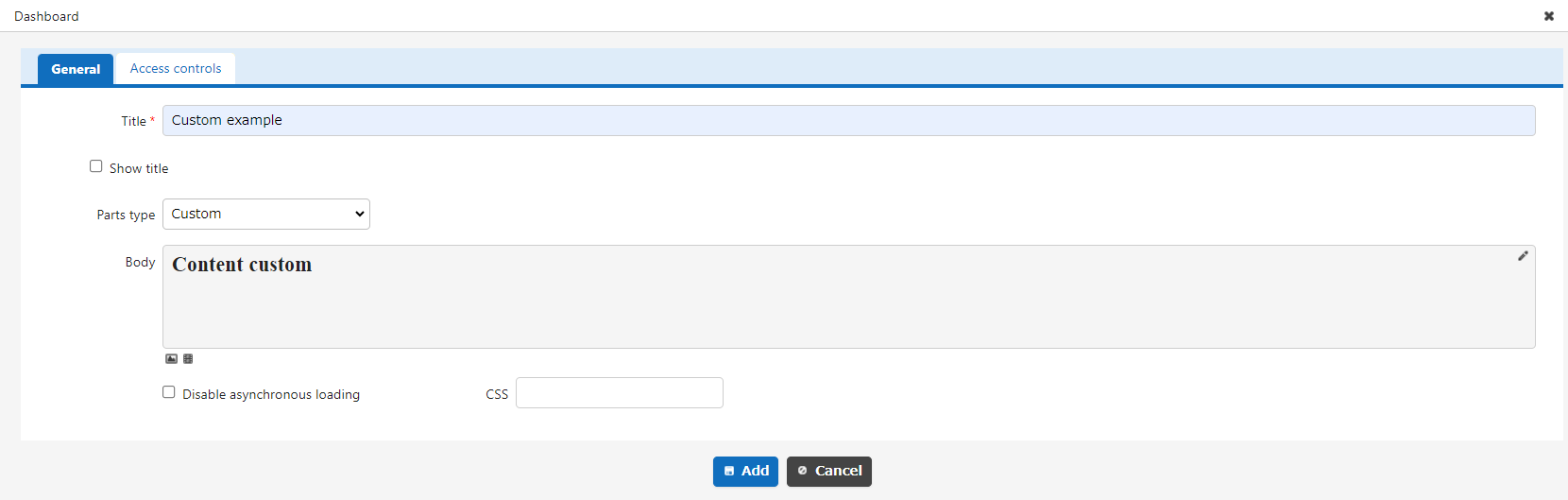
| Column name | Description |
|---|---|
| Title | The name of the part. |
| Display Title | Check this box to display the title. |
| Content | Enter the content you want to display. You can enter content using "Markdown" and register "Image". |
| Do Not Load Asynchronously | If you check this checkbox, asynchronous loading will not be performed regardless of the asynchronous loading settings. For information on setting asynchronous loading, refer to "Dashboard Function: Add Parts". |
| CSS | Use this to apply CSS to timeline elements. By specifying a CSS class name, you can assign any class name to each column and apply a "Style". |
Access Control Tab

Set the reference permissions for quick access. This part will be hidden if a user without reference permissions opens the dashboard.
Display Content
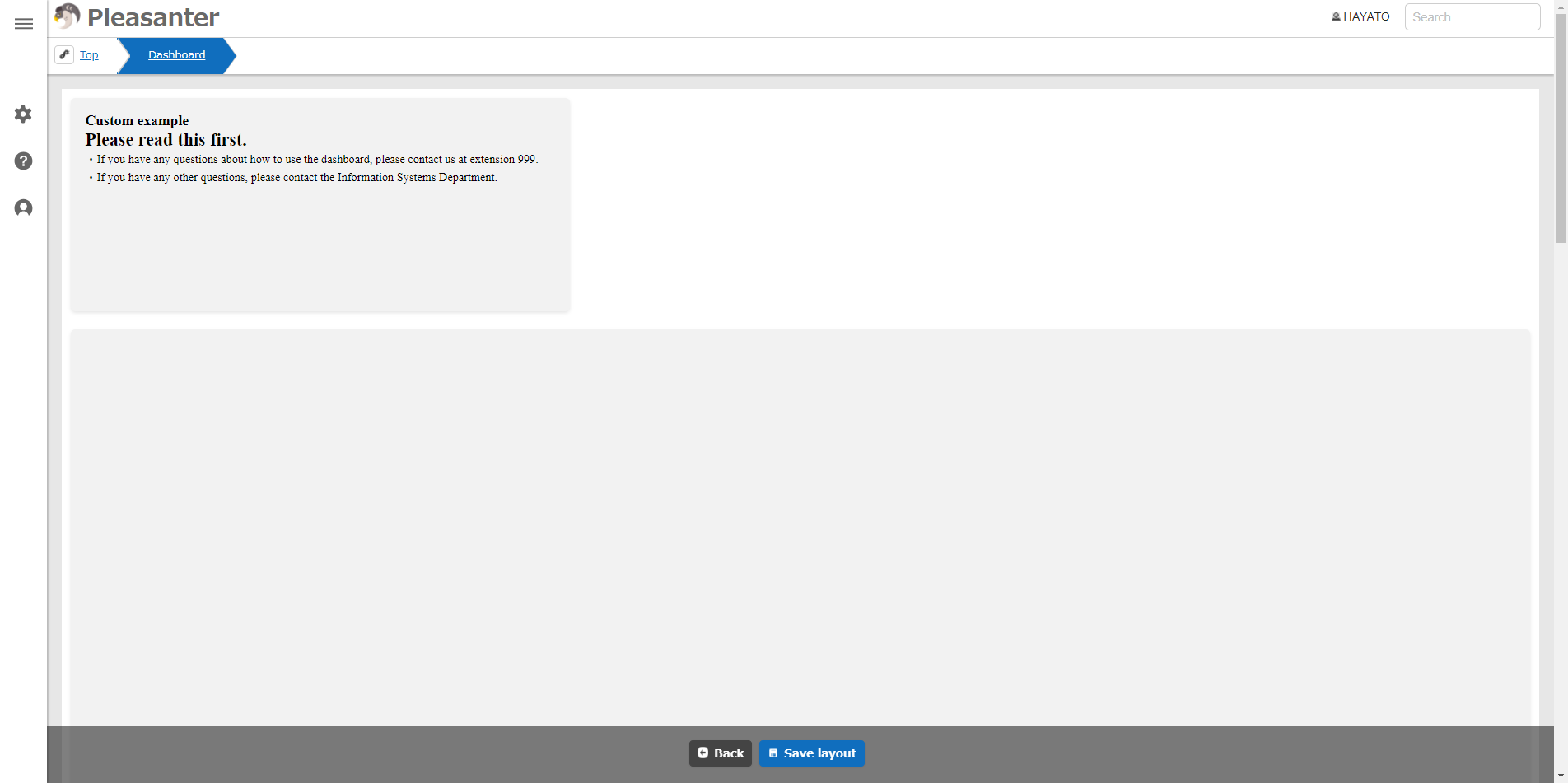
Display the custom input.