Table Function: Record Aggregation
Overview
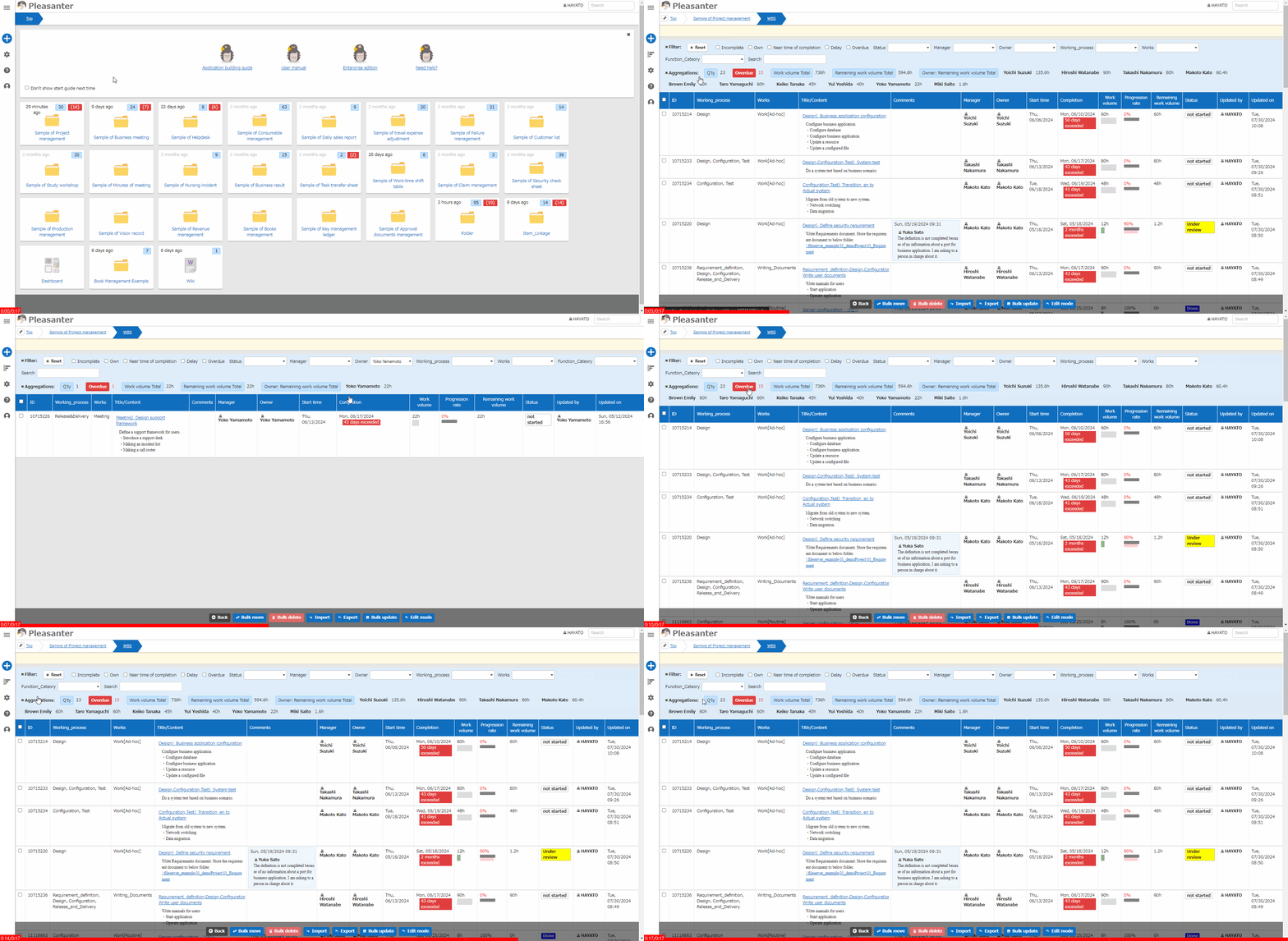
The number of records in the "Table" and the total or average of any numerical value column are aggregated and displayed in the aggregation column of the "Screen Index".
Linkage with Filters
When “Filter” is used, the data that corresponds to the condition is re-aggregated.
Grouping by Class Column
When combined with class column, grouping and aggregation can be performed. Clicking on the label of a grouped aggregation allows you to apply/remove the “Filter” by that column.
Overdue
The “Time limited table” displays the number of records that are “Overdue”. Click on “Overdue” to search for the corresponding record.
Fold and Unfold
Clicking the x to the left of the "Aggregations" notation will fold the filter and display it. Clicking again will unfold it back to its original state.
Limitations
- “Group” by “Class Column” with “Multiple Selection” enabled cannot be performed.
Prerequisites
- You need to configure the settings in advance in “Aggregations” in “Manage Table”.